
- Pick the name first, then shop for where to register it.
- Register it under your business, with an email you control and two-factor login turned on.
- Compare renewal terms, not just the first year, plus privacy protection, transfer rules and support.
- Skip most checkout add-ons. Privacy protection is the one most owners keep.
- A domain is only the address. You still need hosting and a website that books.
Why purchasing a domain trips owners up
Buying a domain looks like a five-minute job. Here's how it goes wrong:
- Three screens of checkout later, you've paid for add-ons you didn't need.
- The domain is registered under a former employee's personal email, and nobody can get into the account.
- Auto-renew was off, the card expired, and the domain lapsed. Your site and email went dark.
- Your web designer bought it for you, and it's in their name, not yours.
Every one of those is fixable before it happens, and painful after.
Before you buy: pick the right name
Decide what domain you want before you choose where to buy it. Our guide to choosing the right domain name walks through seven steps and the mistakes to avoid.
Once you have a direction, any of the companies below can run your availability search.
How to purchase a domain, step by step
- Search availability for your first-choice name and a few backups.
- Pick your extension. .com first if it's available, plus close variations you want to protect.
- Create the account under your business, with a business email you'll keep, and turn on two-factor login.
- Decide on privacy protection, which keeps your personal contact details out of the public domain records.
- Turn on auto-renew and keep a current card on file.
- Turn on the transfer lock so nobody can move the domain without your approval.
- Record the login somewhere your team can find it.
Five domain name brokers to know
These are the five companies the original version of this guide named. They're examples, not a ranking.
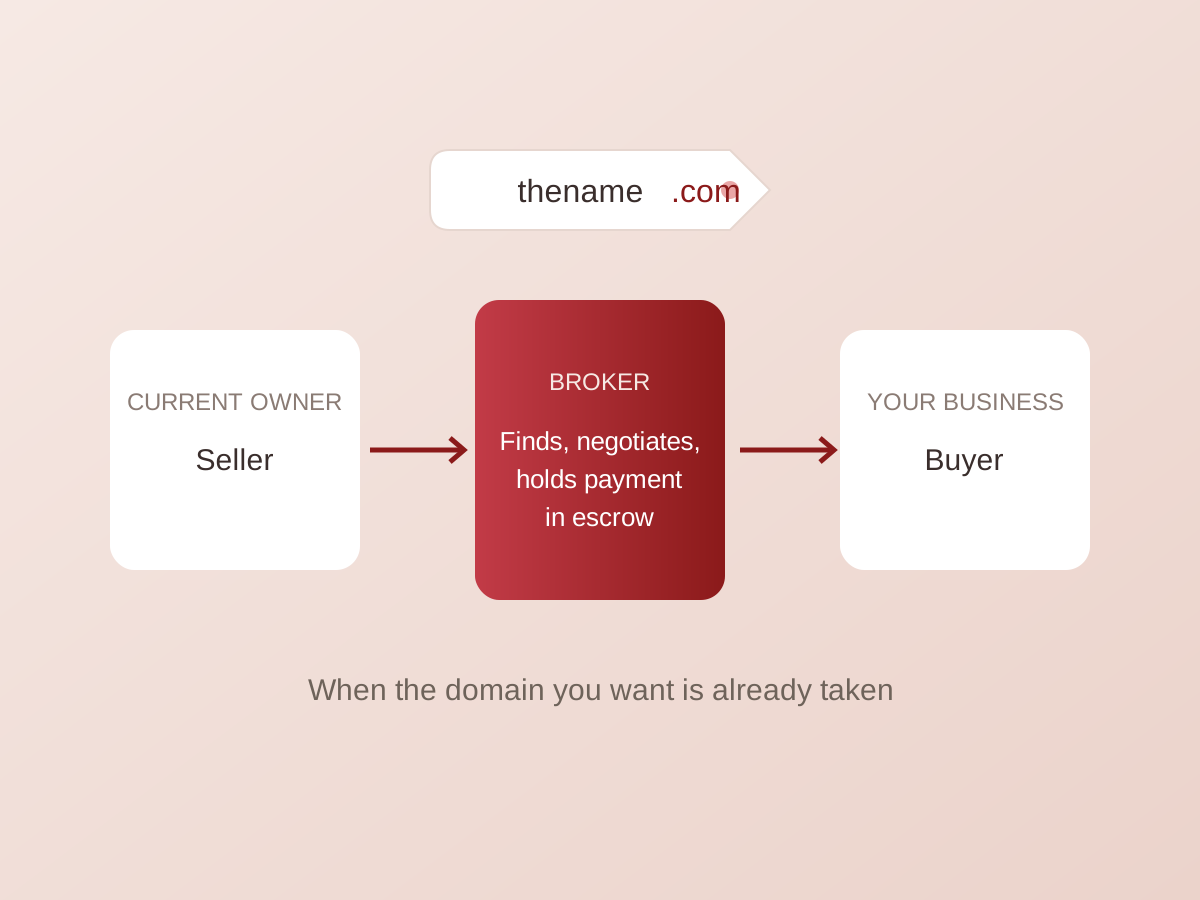
Strictly speaking, they're domain registrars: companies that register available names for you. A domain broker, in the narrow sense, negotiates to buy a name someone else already owns.
- GoDaddy (godaddy.com): a domain registrar that also sells hosting, email and website-building tools.
- Namecheap (namecheap.com): a domain registrar that also offers hosting and email services.
- NameSilo (namesilo.com): a domain registrar with tools for managing your domains.
- Bluehost (bluehost.com): primarily a web hosting company that also registers domains.
- Domain.com (domain.com): a domain registrar that also offers website builders, email and SSL certificates.
Compare current pricing, renewal terms and features directly with each company before you buy. They change often.
How to choose where to register your domain
Use these criteria to compare any registrar, including ones not on this list:
- Renewal price, not just the first year. Introductory pricing often goes up at renewal.
- Privacy protection. Find out whether it's included or extra.
- Account security. Two-factor login and a transfer lock should be standard.
- Easy DNS management. You or your web team will need to point the domain at your hosting, email and booking tools.
- Transfer policy. Make sure you can move the domain later without hassle.
- Support you can reach when something stops working.
- Bundled or separate. Buying domain and hosting together is convenient. Keeping them separate means one company's problem doesn't take down both.
Watch the checkout upsells
During checkout, most registrars offer a long list of extras. Skip most of them. Privacy protection is the one add-on most owners keep.
Email, hosting and site builders can be bought later, from whoever fits your plan best.
After the domain: hosting and a website that books
Once your domain is secured, you'll need website hosting. Start with our guide to choosing a hosting provider.
Then comes the part that pays: a website where search visitors turn into bookings. We build websites that book, and our SEO services bring the right people to them.